


freequently asked question
-
Can InstantTutor work in other languages?
Answer : Yes! InstantTutor can support any language. You can manage your preferred language directly from your phone settings, and the AI will automatically provide responses and reports in that language for you as the user.
-
How do I start using InstantTutor?
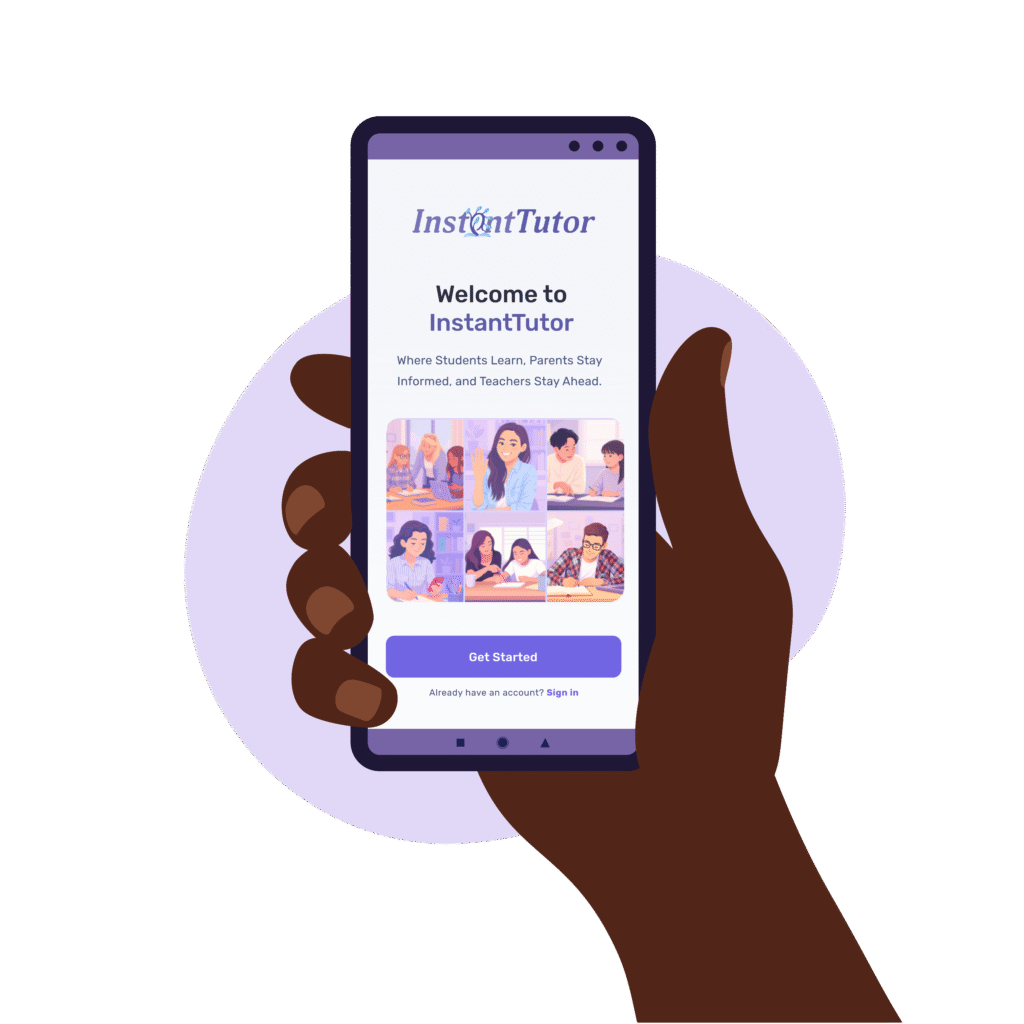
Answer : Getting started is simple! You can download the InstantTutor app for iOS or Android, either by searching “InstantTutor” in the App Store or Play Store, or by using the download links at the top of our homepage. Once installed, you can create an account and start using the service right away. We’ll also be launching a web portal soon, where you’ll be able to login and create accounts directly from your desktop web browser.
-
Is InstantTutor Free?
Answer : Parent accounts on InstantTutor are completely free to use. Student accounts may occasionally have access to a free version, but this comes with limitations such as a cap on the number of questions and no reporting functionality. For full PRO access, student accounts very in cost depending on if the student pays for a monthly or annual plan. This includes unlimited questions, weekly reports, progress insights, and visibility for both parents and teachers. Monthly plans can be cancelled at any time. For schools, please get in touch with us directly to discuss Premium service options tailored to the schools needs. Teacher accounts are free, but premium features may be available in advance of the school becoming a customer.
-
Does InstantTutor just give answers?
Answer : InstantTutor is responsible AI that is safe for school use. InstantTutor is designed specifically not to provide the solution, pre- student completion of the work. Instead, the AI is instructed to guide students step by step, helping them understand and learn, not just copy answers.
-
How do I connect with my child or students account?
Answer : On your homepage, you’ll find a unique account ID and QR code. Share this with your child/ the student. Once they scan the QR code or enter the ID (using the scanner in their app menu), your accounts will be linked, giving you direct access to their insights and progress updates.
-
Which exam boards does InstantTutor support?
Answer : We cover all major exam boards, but with an increased focus on AQA, Edexcel, OCR, CIE, IB.
-
How does InstantTutor help teachers?
Answer : Teachers get a dashboard with class-wide insights and student-by-student detail, making it easy to spot learning gaps and provide targeted feedback.
-
How do I share my work with my teacher?
Answer : Simply upload your homework question + your response through the app. InstantTutor automatically makes your responses and AI feedback visible to you and your teacher. Teachers have the ability, but not the obligation, to review and add additional guidance if needed.
-
Can I use InstantTutor outside of tutoring or class time?
Answer : Yes! InstantTutor is available 24/7, so you can ask questions, practise topics, and get feedback whenever you need it. Remember, it’s a study aid, not a replacement for your teachers or private tutors. While InstantTutor is designed to guide you step by step, AI isn’t perfect and may occasionally provide an inaccurate response. If something doesn’t look right, you can ask it to double-check or use another trusted source for clarification such as a private tutor or teacher.
-
Does InstantTutor just give answers?
Answer : InstantTutor is responsible AI that is safe for school use. InstantTutor is designed specifically not to provide the solution, pre- student completion of the work. Instead, the AI is instructed to guide students step by step, helping them understand and learn, not just copy answers.
-
When will I receive my progress Insights?
Answer : Your weekly insight report is created every Sunday evening, showing feedback on your activity from the week before. You’ll be able to review it from Monday onwards.
-
How do I connect with my child’s account?
Answer : On your homepage, you’ll find a unique account ID and QR code. Share this with your child/ the student. Once they scan the QR code or enter the ID (using the scanner in their app menu), your accounts will be linked, giving you direct access to their insights and progress updates.
-
What do I see in the parent dashboard?
Answer : You’ll see an overview of your child’s progress across all subjects, ability to review the questions they are asking the AI by subject, suggested questions to ask them about their homework, and teacher feedback where available.
-
How much does it cost?
Answer : Parents access the app for free. Student accounts are paid, giving your child unlimited access to InstantTutor’s AI support, feedback, and reporting features.
-
Can InstantTutor replace my child’s tutor?
Answer : No. InstantTutor is a supplementary learning tool designed to work alongside tutors, teachers, and parents. It helps your child practise between lessons, reinforces what they’ve learned, and keeps everyone informed, but it isn’t a replacement for personalised teaching.
-
How often will I receive reports about my child?
Answer : You’ll get a new report every Sunday evening, ready to review on Monday. Each report summarises your child’s usage and progress from the previous week, so you can stay informed and engaged.
-
Is there a free version of InstantTutor for students?
Answer : If InstantTutor offers a free option, it will be limited. Free accounts restrict the number of questions a student can ask in a given period and do not generate insights or weekly reports. This means no progress updates are available to share with parents or teachers. In this mode, the app functions only as a basic AI tutor, with reduced features compared to the full version.
-
Does homework need to be delivered online to use InstantTutor?
Answer : No. InstantTutor works with both online and offline homework. Students can snap a photo of handwritten work or digital text, upload it through the app, and receive the same AI-powered guidance and feedback as with fully digital submissions. This also does not affect the level of feedback and insight their teacher receives, teachers see the same detail regardless of format.
-
How do I view my students?
Answer : Log in to your teacher dashboard to see both a class-wide view and detailed reports for individual students.
-
How do I know where my class needs support?
Answer : The teacher dashboard highlights outliers and key concepts your students are struggling with, helping you target your teaching where it’s needed most.
-
Can I add feedback to student work?
Answer : Yes. Teachers and tutors can add written or audio feedback on top of the AI guidance, ensuring students always get authentic, personalised support.
-
How does InstantTutor support academic integrity?
Answer : All student questions, AI responses, and feedback are fully transparent and auditable. Teachers can always see what support has been given.
-
When are student reports available?
Answer : Reports are generated every Sunday evening, so you’ll have a full overview ready each Monday. They cover the previous week’s student activity and usage, helping you start the week with clear insights.
-
Do we need to change from our current systems to use InstantTutor?
Answer : No. Keep doing what you’re doing, if your school already uses platforms like Curriculum.com, Google Classroom, Microsoft Teams, or ManageBac, there’s no need to make any changes. InstantTutor works alongside your existing systems to add AI-powered support, insights, and reporting without disrupting your current setup.
-
Can teachers add details to parent reports?
Answer : Yes. Teachers can attach audio messages to reports, which are accessible to both parents and students. With a school Premium subscription, teachers also gain the ability to review reports and add additional comments or feedback before they are shared, ensuring parents receive valuable context directly from the classroom. Contact us to find out more. Contact us
-
What about students on Pro accounts?
Answer : Students with Pro accounts who choose to share their information with their teacher will automatically appear in the teacher’s class dashboard, with detailed reports available.
-
Do free student accounts appear in class reports?
Answer : Free student accounts do not generate reports for teachers, students or their parents. However, teachers still gain full visibility of the AI usage, including all questions asked and the AI responses provided. However, free student user types reports are generated for teachers as part of a school Premium subscription. Contact us to find out more. Contact us
-
Can InstantTutor connect with our school’s systems?
Answer : Yes, for schools with a premium subscription to InstantTutor. If your school would like to synchronise student academic progress data directly with your Management Information System (MIS) or Curriculum Management System (CMS), please contact us for a quote. Our team can advise on integration options. Contact us
-
Can I use InstantTutor if I’m outside the UK?
Answer : Yes! InstantTutor is designed for students studying the British curriculum both in the UK and internationally. It can also provide subject-specific guidance for students following other curricula worldwide, with further localisation features coming soon.
-
How do I contact InstantTutor to suggest ideas?
Answer : We love feedback! Use the in-app “Contact us” option to share.
-
How do I report a bug?
Answer : Please use the in-app “Contact us” option to share.
-
Which devices can I use InstantTutor on?
Answer : InstantTutor works on iOS, Android, and web browsers. A desktop app is also in development.
-
Is my data safe?
Answer : Absolutely. We comply with GDPR and strict safeguarding standards. Student data is encrypted, never shared with third parties, and only visible to approved parents, teachers, tutors and schools.
Your Learning Journey Begins Here
Explore – all programs Today

our partners
Our Trusted Partners


